Paying bills on time can feel like a never-ending task. Rent, utilities, subscriptions — they all have due dates, and missing one can mean late fees, penalties, or even a ding to your credit score. For someone living in a busy city or juggling multiple accounts, managing all these payments manually is stressful.
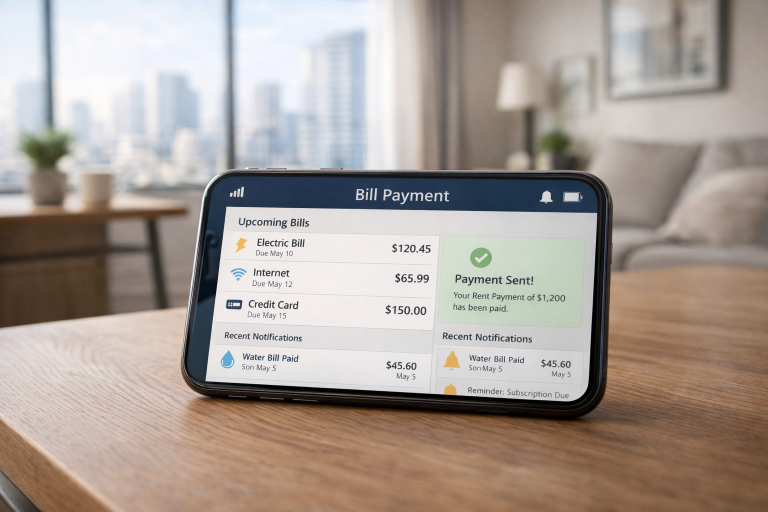
That’s where automated bill payment tools come in. These tools help you schedule and pay bills automatically, track expenses, and even send reminders when something is unusual. You set it up once, and your bills take care of themselves.
It’s like having a personal finance assistant without hiring anyone.
How Automated Bill Payment Works
Most automated bill payment apps connect securely to your bank or credit card accounts. Once linked, they can identify recurring payments, schedule them ahead of due dates, and even adjust amounts based on trends. For example, an energy bill might spike in summer — a good tool will flag it and help you plan.
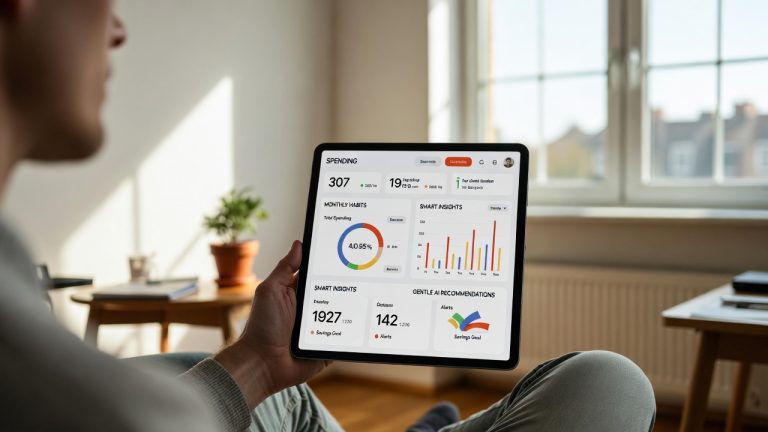
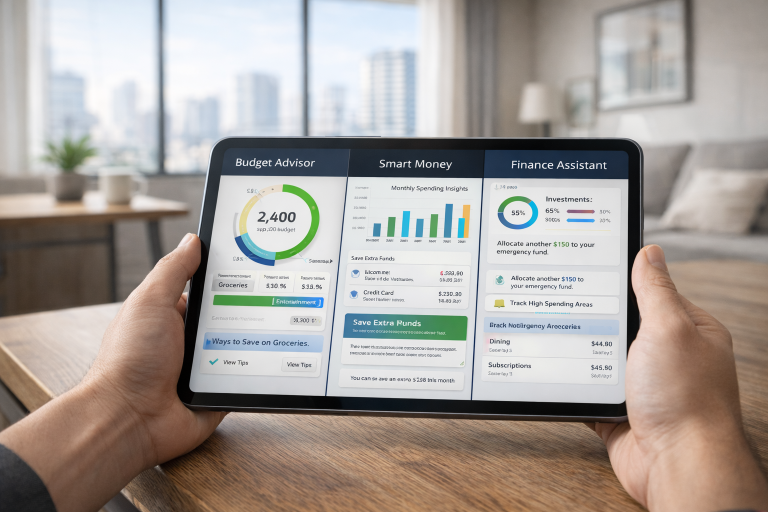
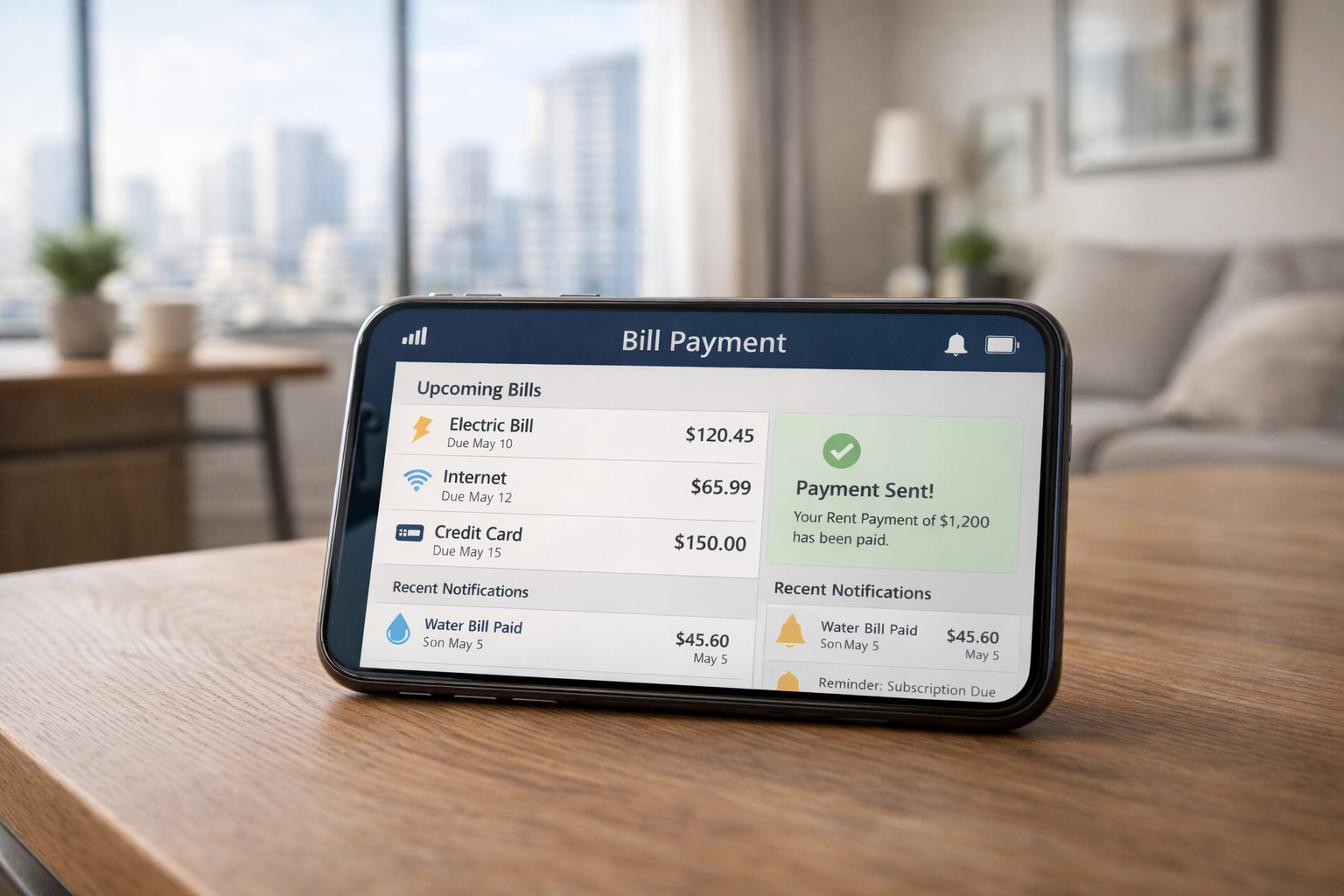
Some apps take it a step further, providing dashboards where you can see all upcoming bills at a glance, how much is going out each month, and projections for seasonal expenses. This is particularly useful in urban settings where cash flow can fluctuate from month to month, thanks to rent, transportation costs, and lifestyle spending.
Popular Automated Bill Payment Tools
Here are some beginner-friendly apps and platforms that can help manage your bills automatically:
1. Prism
Prism connects all your bills and accounts in one place. It automatically reminds you of upcoming due dates and can pay bills directly from the app. It’s perfect if you like having one dashboard for everything.
2. Mint
Mint is widely known for budgeting, but it also supports bill tracking. You can schedule payments, set reminders, and see all your bills alongside your budget in one app.
3. YNAB (You Need a Budget)
YNAB focuses on proactive budgeting. It doesn’t pay bills directly, but it helps you plan for bills and set aside money in advance so that you always have the funds when a payment is due.
4. Doxo
Doxo is a straightforward payment platform that lets you pay bills from multiple accounts. It keeps everything organized and even tracks payment history.
5. Chase AutoPay / Bank AutoPay Services
Many banks, including Chase, offer built-in automatic bill pay. You can schedule recurring payments for utilities, credit cards, and loans directly from your bank account. Simple and secure for beginners.
Why These Tools Are Useful
- Save Time: No more manually logging in and paying each bill.
- Avoid Late Fees: Automatic payments ensure bills are always on time.
- Better Financial Planning: Seeing all your bills in one place helps with budgeting.
- Peace of Mind: You don’t have to worry about forgetting a due date.
Comparison Table of Popular Bill Payment Tools
| Tool | Key Features | Platform | Pricing | Best For |
|---|---|---|---|---|
| Prism | All-in-one dashboard, pay bills | iOS, Android | Free | Beginners who want simplicity |
| Mint | Budget + bill tracking | iOS, Android | Free | Budget-conscious users |
| YNAB | Proactive budgeting, fund allocation | iOS, Android, Web | $14.99/month | Users who want strict budgeting |
| Doxo | Pay multiple bills, track history | iOS, Android, Web | Free / Fees for some payments | Users managing multiple accounts |
| Chase AutoPay | Bank-integrated auto-pay | Web, Mobile App | Free | Users with Chase accounts |
Why Beginners Should Start Automating
If you’re new to automation, it’s normal to feel cautious. Handing over financial control to an app can feel intimidating. But starting small helps: link one or two accounts, set up a couple of recurring bills, and see how smooth it runs.
You’ll quickly notice that you’re avoiding late fees without thinking about it, freeing up mental space for other priorities. Monthly budgeting becomes easier because your fixed bills are already taken care of — all you have to do is plan around them.
Urban Life and Seasonal Considerations
City living brings unique challenges. Rent and utilities often consume a large portion of your paycheck, leaving less room for discretionary spending. Automated tools help by scheduling bills right after payday, ensuring you don’t overspend early in the month.
Seasonal patterns matter too. Streaming services often charge annual fees around the holidays, and energy bills fluctuate in summer and winter. Automation tools adapt to these cycles, sending reminders or adjusting payment timing so you’re never caught off guard.
Key Benefits Beyond Convenience
- Avoid Late Fees: Automatic payments ensure bills are always on time.
- Boost Credit Scores: Consistently paying on time supports better credit ratings.
- Financial Clarity: With all bills tracked in one place, you can see exactly where your money goes.
- Reduced Stress: No more juggling reminders or fearing forgotten payments.
For beginners, the real magic is peace of mind. Knowing your bills are managed automatically lets you focus on saving, investing, or simply enjoying life.
How to Choose the Right Tool
When selecting an automated bill payment app, consider:
- Security: Bank-level encryption and read-only access protect your accounts.
- Flexibility: You should be able to pause or adjust payments easily.
- Coverage: Make sure it supports all the bills you want to automate.
- Notifications: Alerts for failed or unusual payments keep you informed.
Once you find a tool that fits your routine, the setup is surprisingly simple. Most apps guide you step-by-step, and you can start with just one account before expanding to all recurring bills.
Real-World Examples
Imagine a young professional in a city apartment: rent is due on the 1st, utilities fluctuate, and subscriptions renew sporadically. With automated tools:
- Rent is always paid on time, no manual transfers needed.
- Utility bills are tracked, and alerts warn of seasonal spikes.
- Subscription renewals happen automatically, preventing service interruptions.
Over time, these tools build a safety net around finances, making it easier to plan for savings or unexpected expenses.
Conclusion
Automated bill payment tools make managing finances easy, especially for beginners. By using apps like Prism, Mint, or bank auto-pay services, you can save time, avoid late fees, and see all your bills in one place. For anyone juggling multiple payments or just wanting less stress around money, these tools are an essential part of modern financial management.
FAQ
Are automated bill payment tools safe?
Yes, reputable apps use bank-level encryption and secure connections. Always read the privacy policy before connecting accounts.
Can I automate all my bills?
Most recurring bills can be automated, but some smaller services might require manual payment.
Will these tools prevent late fees completely?
They prevent most late fees, but you must ensure accounts are funded. Alerts help catch exceptions.
Can I use these tools if I have irregular income?
Yes. Some apps allow flexible scheduling and prioritization based on available funds.
Are there costs for these tools?
Some are free, like Mint or Prism, while others like YNAB charge a subscription fee.
Helpful Resources
- Consumer Financial Protection Bureau – Tools to Help When You Can’t Pay Your Bills
https://www.consumerfinance.gov/about-us/blog/tools-to-help-pay-bills/ - Consumer.gov – Your Money (Managing Bills & Financial Basics)
https://www.consumer.gov/your-money
About The Author