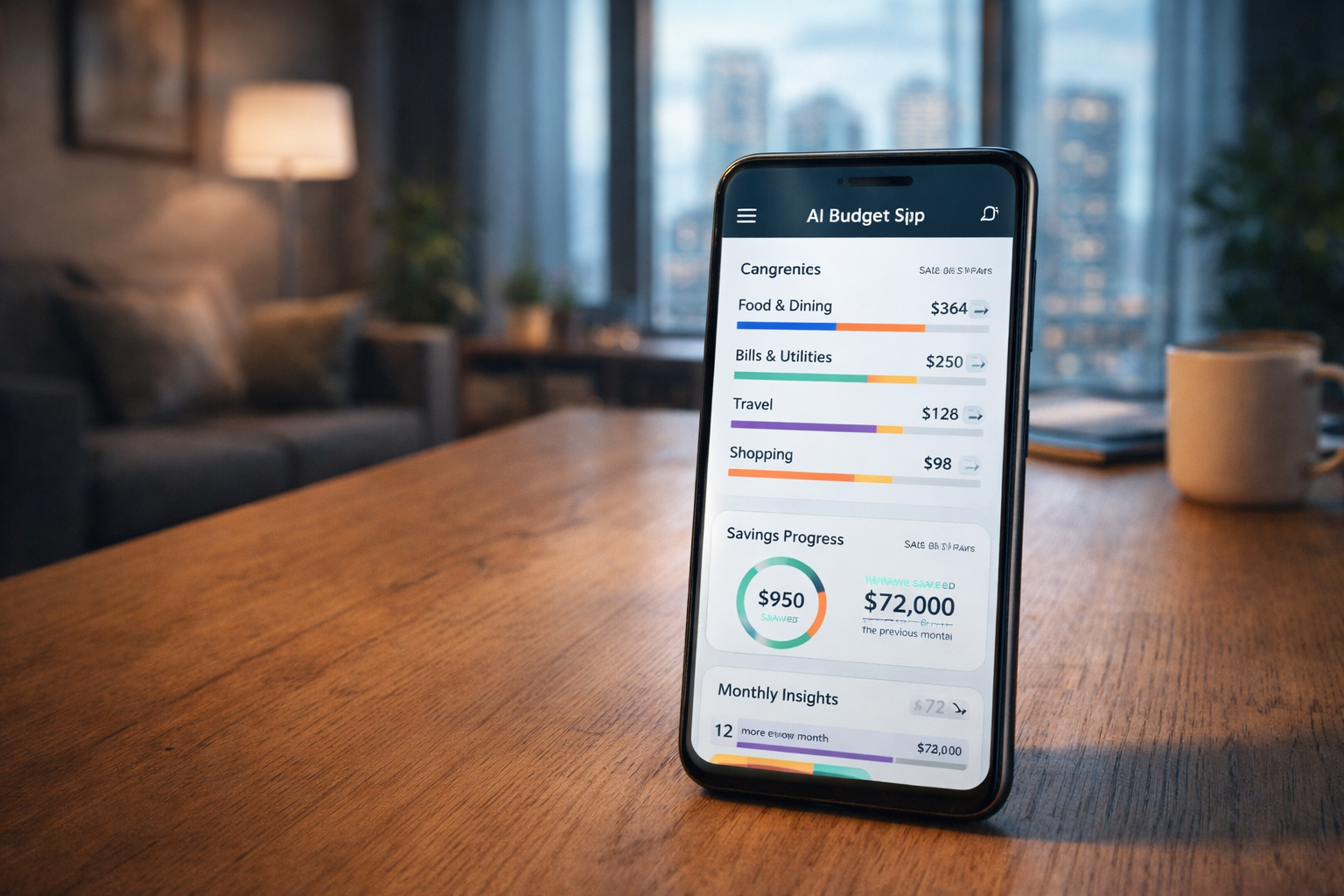
For a long time, budgeting felt like homework. You sit down with good intentions, track expenses for two weeks, forget for a month, then feel guilty when your bank alert reminds you that rent, food, subscriptions, and “small small spending” have quietly eaten your salary.
That’s where modern AI budget apps quietly changed the game.
I’ve spent the last few years testing budgeting tools — not as a fintech engineer, but as someone living a very normal urban life. Rent due every month. Transport costs that rise without warning. Food prices that behave differently in December than in March.
Subscriptions that sneak in and refuse to leave.
The best AI budget apps don’t just track spending. They notice patterns you miss, adjust automatically, and nudge you before things go wrong. You don’t “manage” them every day — they work in the background while you live your life.
Let’s talk about how they actually work, which ones are worth your time, and how to set them up so they save you money instead of becoming another app you ignore.
How AI Budget Apps Actually Help (Without the Hype)
At their core, AI budget apps connect to your bank accounts and cards. From there, they categorize spending automatically, learn your habits, and build a living budget that updates itself.
If you usually spend more on transport during rainy months, the app learns that. If food spending jumps in festive seasons, it adjusts expectations instead of flagging everything as “overspending.” If your salary comes late one month, some apps even reshuffle bills to avoid overdrafts.
This matters because real life isn’t static. Traditional budgets assume every month is identical. AI-driven budgeting accepts that life isn’t.
For someone living in a city — commuting, ordering food occasionally, paying multiple utilities — automation removes friction. You stop reacting to money problems and start seeing them coming.
A Quick Look at the Best AI Budget Apps Right Now
Here’s a simple comparison of some of the most beginner-friendly AI budgeting apps people actually use in 2026.
| App | Features | Platform | Pricing | Best For |
|---|---|---|---|---|
| YNAB | Predictive budgeting, habit learning, goal tracking | iOS, Android, Web | Paid | Hands-on budgeters who want control |
| Cleo | AI chat-based budgeting, spending insights | iOS, Android | Free + Premium | Beginners who want simple guidance |
| Monarch Money | Automated budgets, forecasting, family sharing | iOS, Android, Web | Paid | Households and couples |
| PocketGuard | Real-time “safe-to-spend” tracking | iOS, Android | Free + Premium | Avoiding overspending |
| Simplifi by Quicken | Automatic categorization, bill tracking | iOS, Android, Web | Paid | Busy professionals |
You don’t need all of these. One good app, properly set up, is enough.
Setting Up an AI Budget App the Right Way (Step by Step)
Most people fail at budgeting apps because they rush setup or skip customization. Here’s a simple approach that actually works.
Start by connecting only your main bank account and primary card. Don’t link everything on day one. Let the app learn your core spending first. This reduces confusion and improves accuracy.
Next, review categories, but don’t obsess. AI does a decent job, but you should rename a few categories so they make sense to you. “Food & Dining” can become “Food,” “Eating Out,” or “Office Lunch” if that’s clearer.
Then set one or two realistic goals. Not ten. Maybe “reduce food spending by 10%” or “never dip into rent money.” AI budgeting works best when it has clear boundaries.
Finally, turn on notifications — but only the important ones. Alerts for overspending and low balances matter. Daily spending summaries often don’t.
Within two or three weeks, the app starts feeling less like a tracker and more like a quiet financial assistant.
Real Urban Budgeting Examples That Make Sense
Let’s say you live in a city apartment. Rent eats a big chunk of income. Transport costs change monthly. You sometimes order food because traffic and stress win.
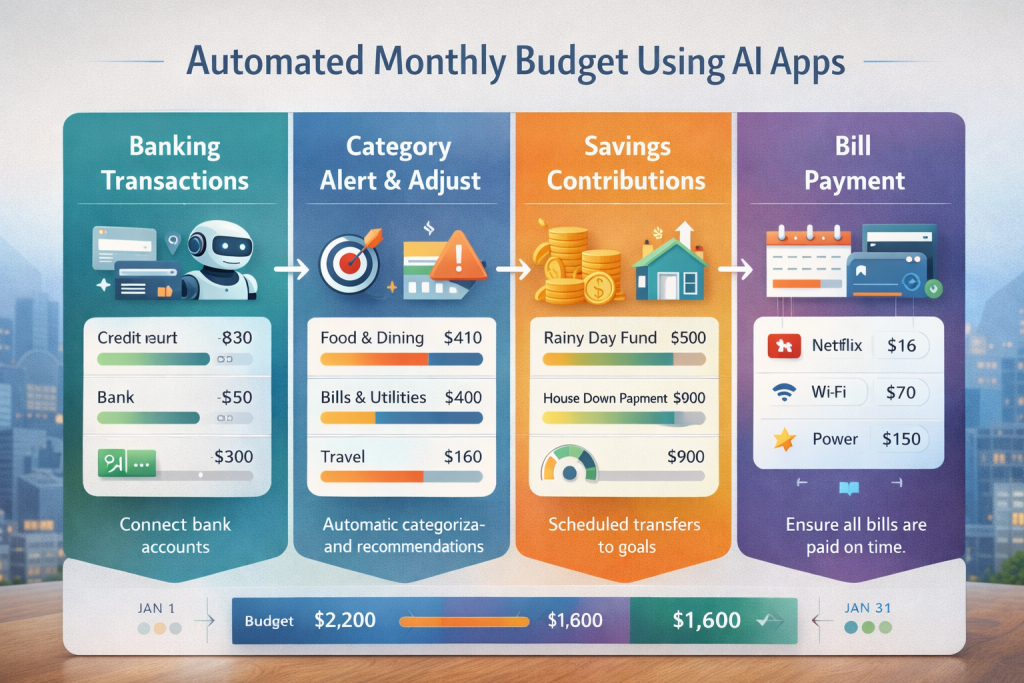
An AI budget app notices that food delivery spikes on weekdays after 8pm. Instead of shaming you, it might suggest a weekly “convenience budget” that keeps spending realistic without blowing your plan.
During festive seasons or end-of-year months, these apps often relax savings targets automatically, then tighten things again afterward. That flexibility is what keeps people consistent.
If you freelance or have irregular income, some apps smooth expenses across months so you don’t feel broke just because payment came late.
That’s automation working quietly — not flashy, but useful.
Seasonal Money Tips AI Apps Handle Better Than Humans
Humans forget patterns. AI doesn’t.
In December, spending rises. In January, reality hits. In rainy seasons, transport and utilities creep up. AI budget apps recognize this and prepare for it ahead of time.
Some apps increase buffer funds before high-spend months. Others warn you early when subscriptions renew during already expensive periods.
Instead of reacting emotionally — panic saving or reckless spending — you get steady adjustments. Over time, that consistency saves more money than aggressive budgeting ever could.
Where People Go Wrong With AI Budget Apps
The biggest mistake is expecting instant results. These apps need data. The first month is learning. The second month is adjusting. The third month is where clarity kicks in.
Another mistake is fighting the app. If it tells you a category is unrealistic, listen. Budgeting isn’t about punishment — it’s about awareness.
Lastly, don’t treat AI budgeting as “set and forget forever.” A quick check-in once a week keeps things aligned without stress.
Conclusion
AI budget apps don’t make you rich overnight. What they do is remove friction, reduce stress, and help you stop leaking money in small, invisible ways.
For people new to AI in personal finance, budgeting apps are often the easiest starting point. No investing jargon. No complex setup. Just clarity.
Once budgeting runs quietly in the background, everything else — saving, investing, planning — becomes easier.
FAQ
Are AI budget apps safe to use?
Reputable AI budget apps use bank-level encryption and read-only access. They don’t move your money. Always choose apps with clear privacy policies and strong reputations.
Do I need to check the app every day?
No. Once set up, weekly check-ins are enough. The app works in the background and alerts you only when something needs attention.
Can AI budget apps work with irregular income?
Yes. Many are designed for freelancers and contract workers. They smooth expenses across months and adjust spending limits dynamically.
Are free AI budget apps good enough?
Free versions work for basics. Paid versions offer forecasting, deeper insights, and customization. Start free, upgrade only if needed.
Will AI budgeting replace manual budgeting completely?
For most people, yes. You still make decisions, but you no longer do the math or tracking manually.
Helpful Resources (With Live Links)
- Investopedia – Best Budgeting Apps for February 2026
https://www.investopedia.com/the-best-budgeting-apps-11725751 - Consumer.gov – Your Money (Managing Your Money & Budgeting Tools)
https://www.consumer.gov/your-money - Library of Congress – Budgeting: A Personal Finance Resource Guide
https://guides.loc.gov/personal-finance/Budgeting
About The Author